
Monmouth County VINELink Coverage
VINE stands for Victim Information and Notification Everyday. New Jersey runs it as a free, confidential service that works around the clock. It gives custody information and notice of certain status changes. The MCCI corrections page publishes the statewide VINE number, 877-846-3465. That line supports the Monmouth County connection. Closer to home, the Prosecutor's Victim-Witness Services office helps residents register. VINELink itself is the web and app interface. It locates a named person in a participating county or state custody system. It also handles notification sign-ups. Still, it does not capture every arrest in Monmouth County. An arrest resolved by summons or release may never become an MCCI custody record. Federal prisons plus immigration detention sit on entirely separate systems. The New Jersey Attorney General VINE page documents the statewide service and phone route.
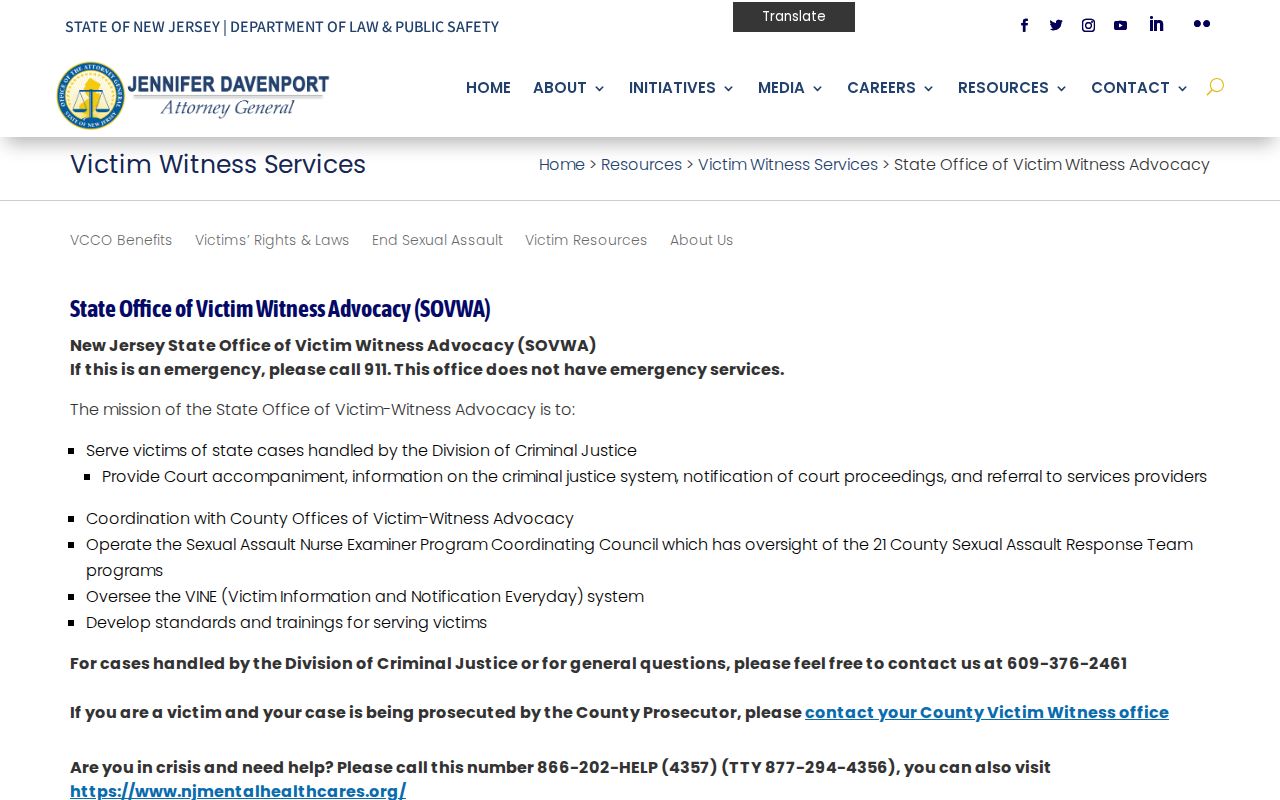
The official state page confirms VINE’s custody and notification role, not a booking-photo function.
Check Monmouth Custody on VINELink
Search one person at a time. Add an identification number whenever the interface allows it, because exact identifiers keep you from landing on someone else with a similar name. The New Jersey brochure lays out both the name and ID-number search routes.
- Open VINELink and select New Jersey. Choose the custody-search path rather than relying on a general web result.
- Enter the person’s name or agency identification number. Try known spelling variants or aliases only when they are genuinely tied to that person.
- Review each possible match for identifying details, agency, facility, and stated status. Do not match on name alone.
- Open the selected record and note when the information was checked. Custody can change after the screen is viewed.
- If no match appears after a fresh arrest, call MCCI at 732-431-7860 or contact the arresting police agency before drawing a conclusion.
The official VINELink search capture shows the neutral application entry point.

The screen exists for one custody check, not bulk browsing. A no-result answer can mean several things. The data may not have arrived yet. The person may not be in a participating custody system. The spelling may differ, or the arrest ended without county lodging. The Monmouth County arrest hub can help there. It explains which agency holds each type of booking and arrest record.
Monmouth VINELink Result Fields
Public VINE instructions back a practical set of identity and custody details. Fields vary by source agency and record. Nothing here establishes a public booking photograph, so read each label in the live result rather than assuming a county roster field must appear.
| Information | How to use it |
|---|---|
| Name or offender identifier | Distinguishes likely matches; confirm with other known details |
| Custody status | Indicates the status reported by the participating agency when checked |
| Facility or agency | Shows where to direct an urgent confirmation call |
| Release or transfer event | Can trigger notice when that event is supported and registered |
| Booking photo | Not established as a public New Jersey VINE field |
| Case disposition | Use New Jersey Courts for the final criminal-case result |
A "transfer" moves a person between facilities or authorities. A "release" only means the reporting custody ended, not that the charge went away. The court's "disposition" is the case result. Each event answers a different question, so keep them separate.
Register for Monmouth Custody Alerts
Registering is a separate step from searching. Finding a person creates no alert by itself. New Jersey materials describe notice by phone, text, email, mobile app, and TTY, with multilingual access. Confirm available methods and events in the live record.
- Open the correct person’s VINELink record and choose the registration or notification option for the event needed.
- Select an offered delivery method. Enter contact details directly in the official service and review them for errors.
- Create or record the PIN when a phone registration asks for one. The PIN confirms receipt and should be kept private.
- Complete each requested registration. New Jersey guidance notes that separate notification types may require separate registration.
- Save the confirmation and keep MCCI’s number available. Do not rely on one automated message for an urgent safety decision.
The official VINELink registration capture documents the alert enrollment route without exposing personal data.
The registration view is distinct from the person-search screen.
Monmouth VINELink Limits
VINE is a notification layer, nothing more. The arrest report and booking record are created elsewhere. VINE only mirrors what participating agencies supply. New entries, transfers, release processing, technical faults, and identity mismatches can all affect what appears. It is not a photograph archive, a warrant search, or a monthly arrest blotter. Federal custody takes a different check. The Bureau of Prisons locator covers its own population. ICE runs a separate detainee locator. Neither substitutes for MCCI after a Monmouth County arrest. New Jersey Department of Corrections data concerns state-prison custody, not every recent county booking.
The Monmouth County 24 Hour Arrests route explains how to confirm a fresh event while the MCSO web search stays unavailable. Note the time of each call or web check. Custody status is a point-in-time fact.
Monmouth VINE Registration Help
Monmouth County Prosecutor Victim-Witness Services offers local support at 132 Jerseyville Avenue in Freehold. Reach that office at 732-431-7160. That office helps with notification steps. It also handles other victim-witness services. MCCI publishes the same statewide VINE telephone number as the state program. This ties local custody to New Jersey's notification system. The official Monmouth Victim-Witness Services page should lead for county help. The New Jersey VINE brochure adds registration methods, PIN guidance, and accessibility options. Check current instructions before submitting contact details, since an application interface can change.
- Custody status
- The participating agency’s reported state for a person at the time shown.
- Notification
- An automated notice tied to a registered event, such as release or transfer.
- PIN
- A private number used in some phone registrations to confirm receipt.
- Transfer
- A move between facilities or custody authorities, not a case result.
Note: Registration is free and confidential under the state program, yet users should still guard account, phone, email, and PIN details.
Arrest Status Is Not Guilt
A VINE match only confirms what the custody system reports. Use New Jersey Courts for the case record. Use MCSO or the arresting police department for the underlying arrest or booking record. Two people can share a name. Lean on lawful identifiers and agency confirmation. Never spread an uncertain match as fact.
Plan for a Monmouth Alert
A Monmouth alert only helps if it can actually reach you. So build a contact plan first. Check that the registered phone accepts calls and texts. Make sure email spam filters will not swallow the notice. Keep your contact details current. Write down the agency and facility names shown with the matched record. An alert may point to an urgent safety concern. Follow whatever directions the responsible public agency gives you instead. Do not wait for a second digital update.
VINE notices cover release, transfer, escape, and other supported custody changes. Availability depends on the record and agency. Read registration availability from the live interface. A transfer alert stays silent about the reason for the move. A release alert says nothing about how the case ended. For court conditions, supervision dates, or case status, go to the court or the agency itself. An alert is a status signal, nothing more.
No Monmouth VINELink Match
No match does not mean no arrest. Start with the basics. Check your spelling and the identifiers you entered. Then think about custody stage. The person may still be in municipal processing, released on a summons, held outside the county, or sitting in a system that does not feed the search you chose. The MCSO roster's current "Coming Soon" status removes one online cross-check, which makes calling MCCI directly more important.
Ask the arresting department whether the person was lodged at MCCI, released, or sent somewhere else. If MCCI did admit the person but the web result stays blank, call the institution and say when you searched. For an existing document, use MCSO's focused OPRA route. VINELink is the wrong tool for guessing at charges, court outcomes, or booking photographs.
When a match finally appears, compare it against the facts the agency supplied. Do not assume the first similar name is right. Note the facility, the identifier, and the status time. A person moved into New Jersey state-prison custody calls for the NJDOC locator. Federal custody means switching to the relevant federal locator. Each system tracks a different population.
Records can also vanish after release while the arrest report and court file live on. That is normal for a current-status service. Request the historical record from its custodian rather than expecting VINELink to serve as an archive.
Public Record Search
Sponsored Results